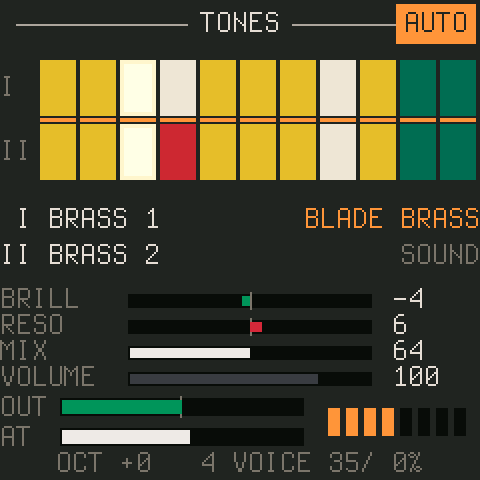
CS-1
twochannels
A CS-80-style synthesizer: two layers, its tone bars, effects, user presets, velocity and aftertouch from the keys.

for the M-VAVE FM-1
fm1-dock is installed once. The synths are modules in flash: hold HOME and pick another one, no reinstall. Deploy your own module over USB, no reinstall, and when something goes wrong, the log, the crash record and the render load are one click away, here in the browser.
From this page, over USB, in Chrome or Edge: the latest release, checked against GitHub's SHA-256 of it and its own checksums before anything is sent. Back to any other firmware, or the official one, with the FM-1 Firmware Hub.
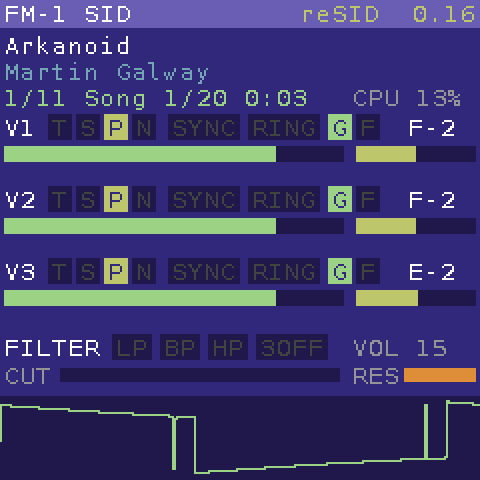
FM-1 SID, the C64 synth in the video, is not in the package: it is a module, added to fm1-dock from here.
Straight to FM-1 SID in your fm1-dock, over USB: each comes from the High Voltage SID Collection when you press it (none are shipped here), goes into FM-1 SID's C64 memory and plays. Nothing is written to flash.
More: any of HVSC's 61 000 tunes on FM-1 SID's page, with Play on my FM-1.
Two of the FM-1 community's favourites, ported to fm1-dock with their code unchanged: add them next to the others, and pick them with HOME. The originals, their manuals and their own firmware are on Charles Vestal's pages.
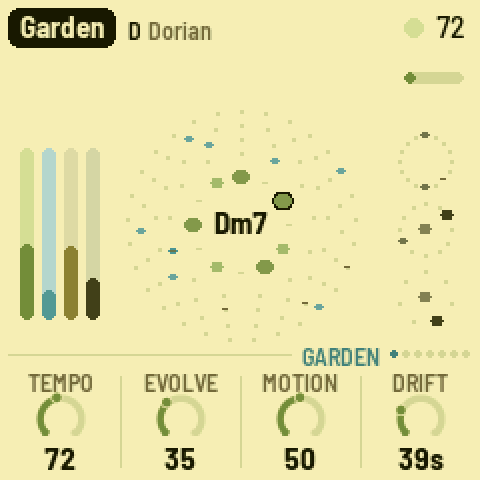
A generative ambient machine after Music for Airports: it plays itself, and you tend it.
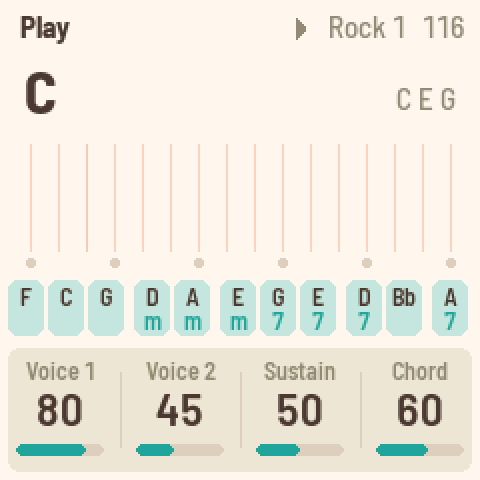
A chord harp after the Omnichord: chords on the black keys, strummed on the white ones.
Room: fm1-dock keeps 296 KB for added synths. FM-1 SID takes 266 KB, AMB-1 76 KB, FoMni 139 KB: AMB-1 and FoMni fit together; to swap FM-1 SID for them, delete it in the console's module list.
Or the .fwsc from the latest
release with tools/fm1_install.py. FM-1 SID and Scintilla install from their own pages, or all
three from one page.
The package carries three synths and a sine. FM-1 SID, AMB-1 and FoMni are added to them with one click
(Install), or with tools/dock.py deploy. Each runs alone, with all of
the module RAM, the screen and the panel to itself.
twochannels
A CS-80-style synthesizer: two layers, its tone bars, effects, user presets, velocity and aftertouch from the keys.
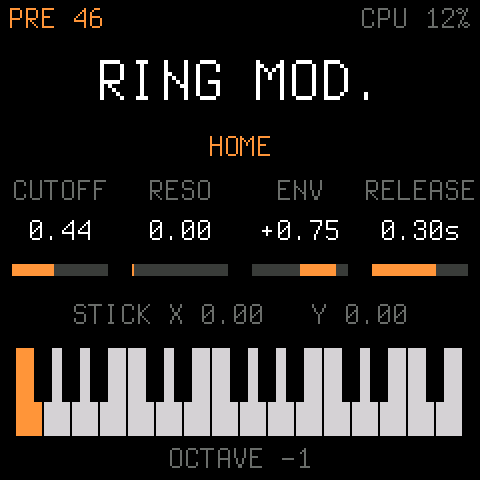
Joakim Eriksson
The 1981 Elka Synthex: all 80 factory patches, the laser harp ("Ring mod.") among them, checked sample by sample against its browser original.
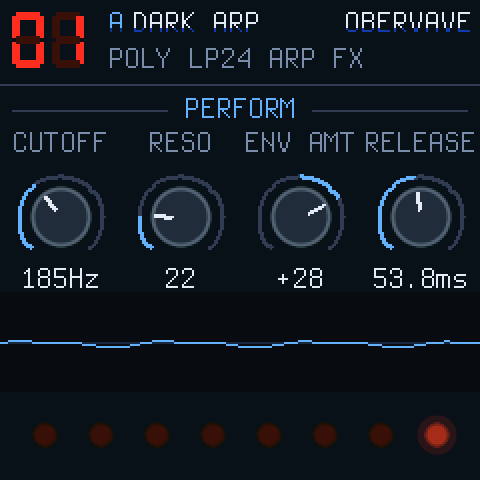
zvenson
A 4-track analog poly with arpeggiator, sequencer and effects: its pages, presets and patterns live in fm1-dock's banks.
built in
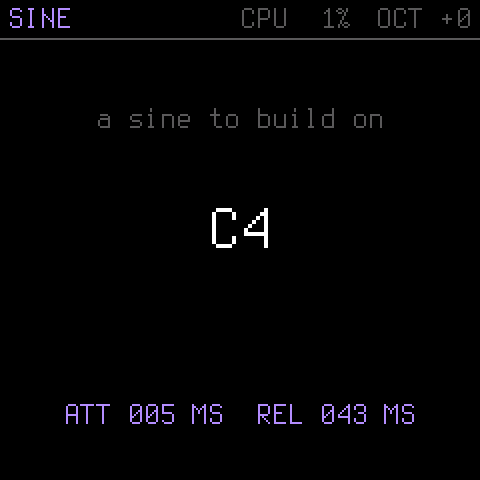
Dinghy's 4-voice sine, always there: the fallback when a module fails, and the smallest module to copy.
fm1-dock starts whatever played last. A module that crashes, or hangs into the watchdog, twice in a row is skipped at boot until you pick it again. One that renders slower than real time for 64 blocks (0.4 s) is stopped and the sine plays, so USB and the updater keep working.
Talks to fm1-dock on your FM-1 over USB-MIDI, as tools/dock.py and tools/probe.py do.
Chrome or Edge on a computer (WebMIDI with SysEx; the browser asks first). Nothing is sent until you press a button.
| Connect to see fm1-dock's state. |
| — |
The host's log ring (2 KiB, survives a reset), with the crash record and render stats.
A .dock module (tools/hbmod.py; an older .hrbr too) into its own flash; the table is written last, so a cut cable leaves the old state.
A probe runs once from RAM and reports what it measured; nothing goes into flash. If it crashes, its output so far and the PC survive the reset.
Load the fm1-dock.syms of the build on your FM-1 (0.5's, or build/fm1-dock.syms for your own build): every PC
on this page then shows its function.
What the FM-1 sends back (keys you play, a probe's notes): the quickest check that USB-MIDI out works.
fm1-emu runs FM-1 firmware unchanged: the same package, and with
--flash the same flash contents, deployed modules and banks included. Below it runs fm1-dock 0.5 in your
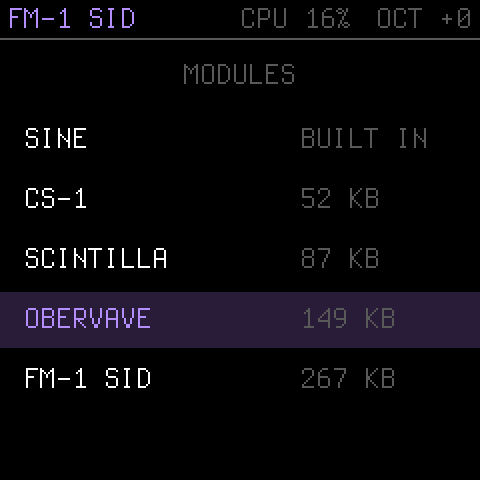
browser: press Start, then hold HOME (the 7 key) to pick CS-1, Scintilla or OberVave.
# a window: the panel, your computer's keys and MIDI
fm1-live --fwsc fm1-dock.fwsc --flash flash.bin

# headless: a deploy into the DIN jack, the sound, the screen, the log
tools/dock.py emu --fwsc build/fm1-dock.fwsc --deploy fm1sid.dock --ms 6000

# closer to the chip's speed and rules
FM1_STRICT=1 fm1-live --fwsc fm1-dock.fwsc --mhz 960
host->log().When the emulator and the FM-1 disagree, don't guess: write a probe. A probe is a small C program (probes/*.c)
that runs once from RAM inside fm1-dock, with interrupts and hardware registers at its disposal, and writes typed records
(numbers, text, timings) that come back as JSON. The same probe runs in the emulator:
tools/probe.py run probes/timing.c --on emu,fm1    # side by side, with the ratio
tools/probe.py exec "r3 = r1 * r2" --regs r1=5,r2=7  # one instruction, on the chip
Found with probes on a real FM-1. Test there before calling anything safe.
| Speed | The plain emulator runs about 1.85× fast (one instruction per 240 MHz cycle). Use --mhz 130 for a rough check,
or FM1_STRICT=1: per-instruction costs measured on the chip and a flash cache model. |
|---|---|
| Costs | On the chip, ALU ops pair up (×0.6–0.75), a multiply costs 2, a divide 5.7, a call 3, and a scattered flash read about 1.3 µs on a cache miss. |
| Alignment | Misaligned 16- and 32-bit RAM accesses fault on the chip; FM1_STRICT=1 faults too. |
| Screen | A full LCD frame takes ~77 ms on the wire (SPI at ~11 MHz); redrawing everything often starves the audio. |
| Guards | The chip's PC limits and NULL-page guard are modelled; the write and stack limits are not yet. |
| USB | Never arm a USB endpoint from a probe: send with host->midi_send(). A stuck endpoint needs a replug. |
A module is a table of functions at the start of its image, linked against nothing of the host's. fm1-dock checks its header,
ABI, CRC and sizes before anything of it runs, copies its .data, clears its .bss and calls
init(). render() runs in the audio interrupt, everything else in the main loop.
static void render(int32_t *out, uint32_t n) { /* add n stereo frames, Q15 */ }
static void note(uint32_t ch, uint32_t key, uint32_t vel) { /* vel 0: off */ }
static void ui(uint32_t ev, int32_t arg) { /* buttons, encoders */ }
static void draw(uint32_t full) { /* what changed */ }

HB_DESC = { HB_ABI, "MYSYNTH", init, release, note, cc,
            render, ui, draw, 0, 0, HB_F_SCREEN | HB_F_PANEL, midi };
# modules/mysynth/module.cfg: name, version, sources, cflags, includes, libs
python3 tools/hbmod.py modules/mysynth      # -> build/modules/mysynth.dock
uv run --with python-rtmidi tools/dock.py deploy build/modules/mysynth.dock
# or drop the .dock on "Deploy a module" above
Start from modules/sine/sine.c (about 150 lines). The host gives a module the time, the log, the screen
(text, a canvas, blits), the LEDs (lit or a dim glow), its own settings record and flash banks, MIDI out, the MASTER gain and
the keys' force: hb_module.h has every call.
module RAM (.data + .bss) | 272 KiB at 0x01C30000 |
.ram_text (code in RAM) | 16 KiB, call it through HB_FAR |
| a deploy file | up to 272 KiB |
| deploy area | 296 KiB for all deployed modules |
| settings record | 240 B per module |
| banks | 9 × 8 KiB, shared by all modules |
| audio block | 256 frames at 44.1 kHz: 5.8 ms |
| CPU | one core at 240 MHz, integers only, no 64-bit division |
| a probe | 192 KiB file, 80 KiB RAM, 8 KiB output; watchdog 8 s |
Offsets in the FM-1's 1 MiB flash. An update writes up to 0x93000; deployed modules, their table, the settings and the banks are above it, so installing a new fm1-dock keeps them.
Everything the console does is SysEx over USB-MIDI (or the DIN jack, unanswered). Another tool, or an emulator, needs only this.
F0 7D 48 42 cmd seq pack7(payload + CRC-32(payload)) F7

7D: non-commercial id; 48 42: "HB". pack7: 8-to-7 bits, LSB first.
A reply: cmd | 0x40 (0x7F: refused), the same seq; its payload
starts with a status byte (0 done). Little-endian words.
| cmd | name | payload → reply |
|---|---|---|
| 01 | HELLO | — → proto, abi, modules, current, receiving; free, largest gap, max file, crash PC, crash module, worst, overruns, log length, block ticks |
| 02 | LIST | — → one reply per module: index, state, kind, version, size, address, name[24]; index FF ends |
| 10 | BEGIN | size, CRC-32, name[24] → status (the module stops) |
| 11 | DATA | offset, ≤ 256 bytes → status |
| 12 | COMMIT | — → status, flash address (written, checked, running) |
| 13 | ABORT | — |
| 14 | DELETE | name[24] → status |
| 20 | LOG | from → status, log length, at, up to 180 bytes |
| 21 | SAFE | — → status (the sine plays) |
| 22 | SELECT | name[24] → status |
| 30 | RUN | run id, argument (after BEGIN / DATA) → status, then the result |
| 31 | RESULT | from → state, id, rc, ticks, length, PC, at, output |
0 done · 1 bad CRC · 2 bad header · 3 too big · 4 no space · 5 flash error · 6 verify failed · 7 data missing · 8 not started · 9 not found · 10 bad message
0 ok · 1 bad CRC · 2 bad header · 3 too big · 4 crashed · 5 init failed · 6 too slow
An 80-byte header (magic "HRBR", ABI, flags, name, version, code / data / bss / ram_text sizes, measured worst cycles, descriptor offset, base, relocation count, CRC-32), the relocations, then the image on a 256-byte boundary. Whoever moves it adds the difference to each relocated word, which is how one file lands anywhere in the deploy area.
Implementations: tools/hbdeploy.py (Python), dock.js (this page), and the device side in firmware/src/dock.c.
fm1-dock, FM-1 SID and Scintilla: Joakim Eriksson. OberVave: zvenson. CS-1: twochannels. AMB-1 and FoMni: Charles Vestal. fm1-dock stands on Dinghy (zvenson), on the platform of Felucca (Leo Kuroshita, Hügelton Instruments) as SLOOP (isod89) carries it. reSID by Dag Lem; the SID tunes by their composers (Martin Galway, Rob Hubbard and friends). The keys' force sensing comes from Velo, by way of CS-1.
GPL-3.0-only. Not affiliated with M-VAVE. Installing firmware is at your own risk; the USB rescue (OCT− at power-on) is always there.